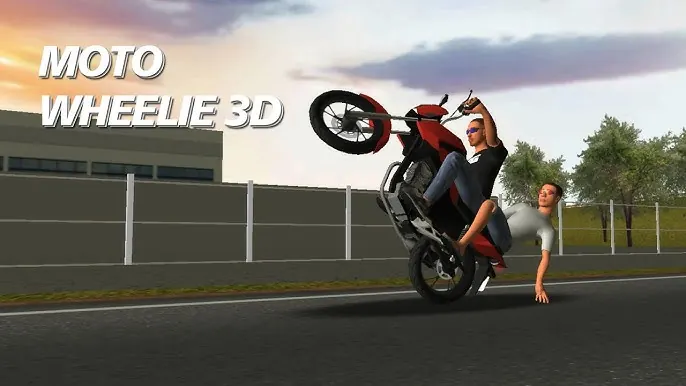


About this browser game
The configured Scratch embed is titled Soflo Wheelie Life. You control a bike with throttle and brake, choose among five named tricks, and change bikes or helmets with separate inputs. Acceleration without a wheelie has its own key combination, while the project description also mentions a highscore handled by Scratch's servers.
Soflo Wheelie Life: Choose Your Riding Action
Begin with the riding action you want: use the throttle for acceleration, the brake for braking, or the specific no-wheelie acceleration option when you want to accelerate without lifting into a wheelie. For tricks, choose a named move—knee trick, seat stand, hand drag, no-hands, or foot over bar—so you have a particular action in mind before looking up its key. Keep these riding and stunt choices inside the game: the project instructions explicitly warn players not to try the activity in real life. For more games to browse after your ride, visit Driving.
Throttle, Brake, and Five Trick Keys
D applies the throttle, A applies the brake, and D plus Space accelerates without a wheelie; for that last action, press the two keys together rather than using the throttle key by itself. S performs the knee trick and W performs the seat stand, so use S when you want the knee move and W when you want the standing move. E performs the hand drag, while R performs the no-hands trick; these similarly hand-related names refer to different moves with different letters. C performs foot over bar, giving that trick a direct input to use when it is the move you want.
The instructions advise against arrow keys, so use the letter controls and the Space combination above when choosing your riding inputs.
Changing Bikes, Choosing Helmets, and the Highscore
When you want a different bike, press F or T; when you want a different helmet, press G, choosing the control for the object you want to change. The project description names a helmet asset called “Full face/surronster Helmet,” a concrete name to recognize among its helmet references. For the highscore, the author says they cannot fix it because Scratch's servers handle it; that is the project's explanation if you are looking for an author-side repair. For another game, try Moto X3M, or visit the separate page for Soflo Wheelie Life.
Looking for more Driving Games? Explore the full category for more browser titles.