

About this browser game
Follow the song battle
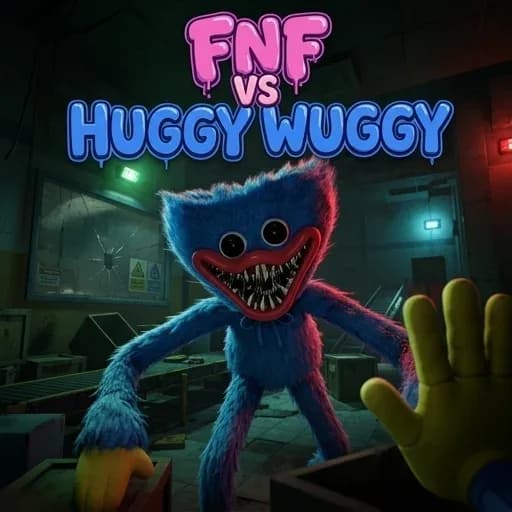
Fnf Vs Huggy Wuggy is a single-player rhythm game built around matching arrow prompts to music. You face Huggy Wuggy in a musical duel, and the result depends on how accurately you respond to the notes moving toward the guide. The game uses keyboard input only, so the main challenge is reading the pattern and pressing the correct direction at the right moment. Explore the Rhythm collection for related games, including Friday Night Funkin’ and FNF Reimu: Funkin' Incident.
How a note becomes a score
Begin from the main menu and select a track. During the song, watch the incoming arrows as they scroll upward from the bottom of the screen. Press the matching Up, Down, Left, or Right arrow key when a note aligns with the static guide at the top. A successful input improves your score and shifts the score bar in your favor.
- Read slightly ahead so the next pattern is already visible.
- Use short, precise taps for individual notes.
- Keep your attention on the guide rather than on the opponent's animation.
- Recover quickly after a mistake instead of rushing the next input.
Accuracy protects the run
The supplied game information states that missed notes reduce the health bar and can lead to a game over. That makes consistency more valuable than frantic key presses. Holding an arrow too long can create unintended inputs during fast sequences, so release after each intended tap unless the game presents a different prompt. Your aim is to keep the rhythm line stable while maintaining enough health to finish the song.
First-session advice for fast patterns
When the notes become dense, look a little beyond the arrow you are about to hit and identify the next direction. This is practical timing advice rather than a claim about hidden mechanics: it gives your eyes more time to process the sequence. If you miss, return to the guide and match the next visible note instead of trying to compensate with several hurried presses.
Learning different tracks
The game describes each song as presenting its own tempo and challenge. Start with a track that lets you concentrate on clean inputs, then move to a faster pattern once the arrow positions feel familiar. Do not judge a song only by its opening seconds; use the early section to settle into its rhythm and watch for changes in note spacing.
Keep the duel readable
Huggy Wuggy is the opponent, but the actionable information is on the scrolling note lane and the score or health bar. Check those elements after each short sequence. A strong run comes from repeating a simple cycle: read the next arrows, tap the matching keys, confirm your position, and prepare for the following pattern. The browser version stores progress in local storage according to the supplied game information.
Looking for more Rhythm Games? Explore the full category for more browser titles.